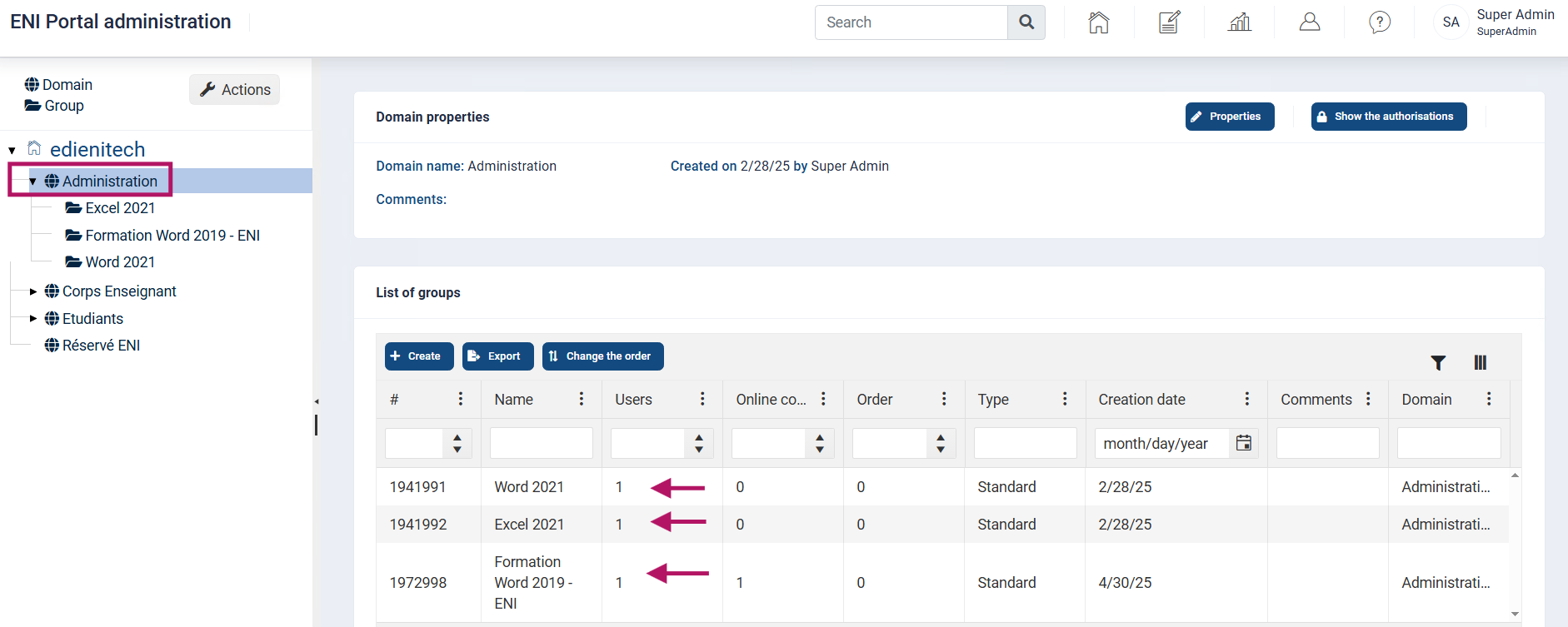
The navigation panel displays the tree structure of your portal, allowing you to move quickly through the different areas or groups.
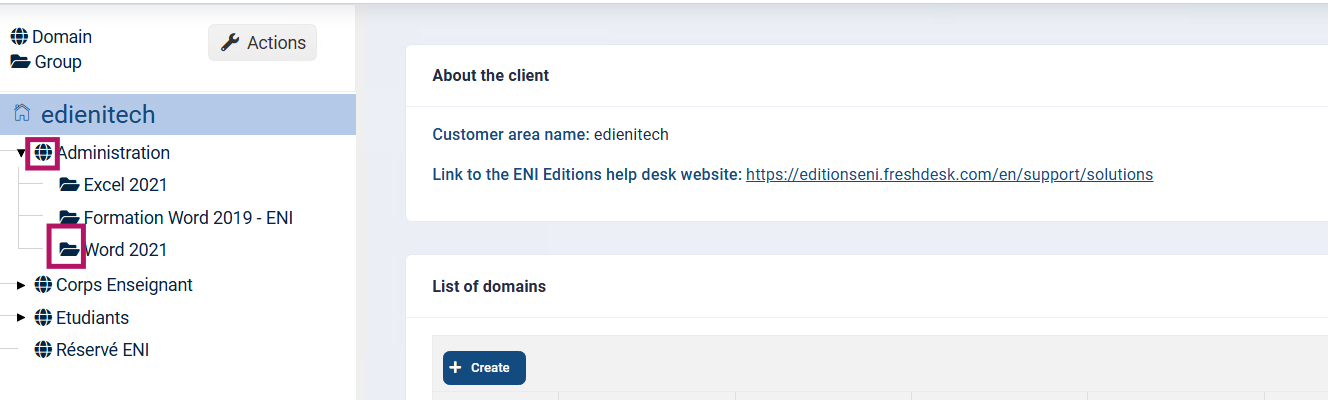
An acronym represents each element:
 The globe represents a domain
 The folder represents a group
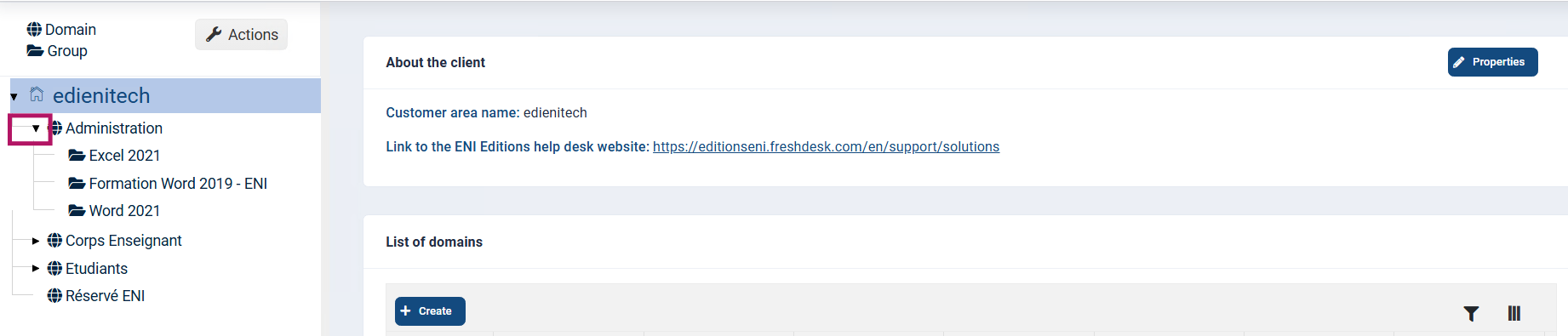
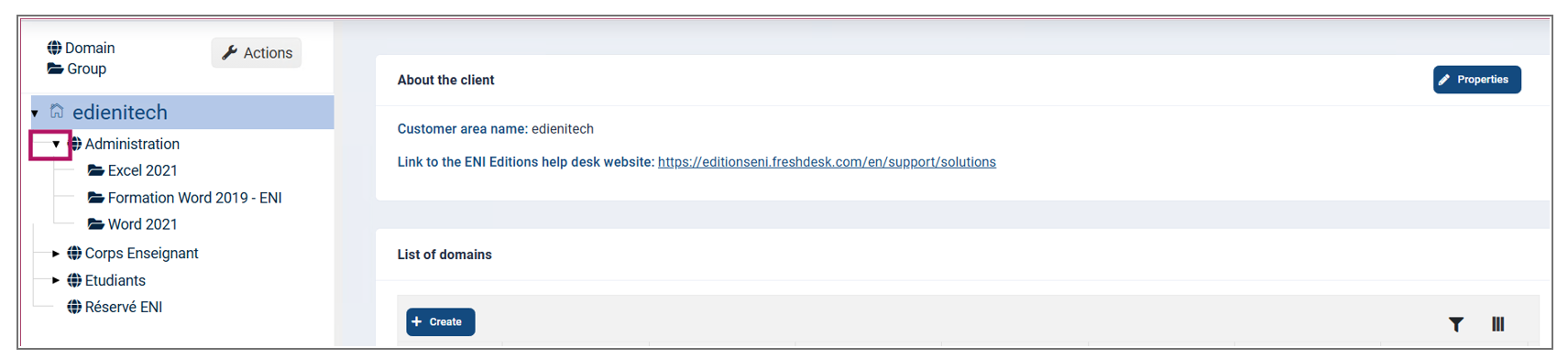
The arrow in front of the Administration domain indicates that there is at least one existing group in this domain.
Selecting the domain displays a list of all the groups created in this domain in the central panel.
In the example below, three groups have been created.