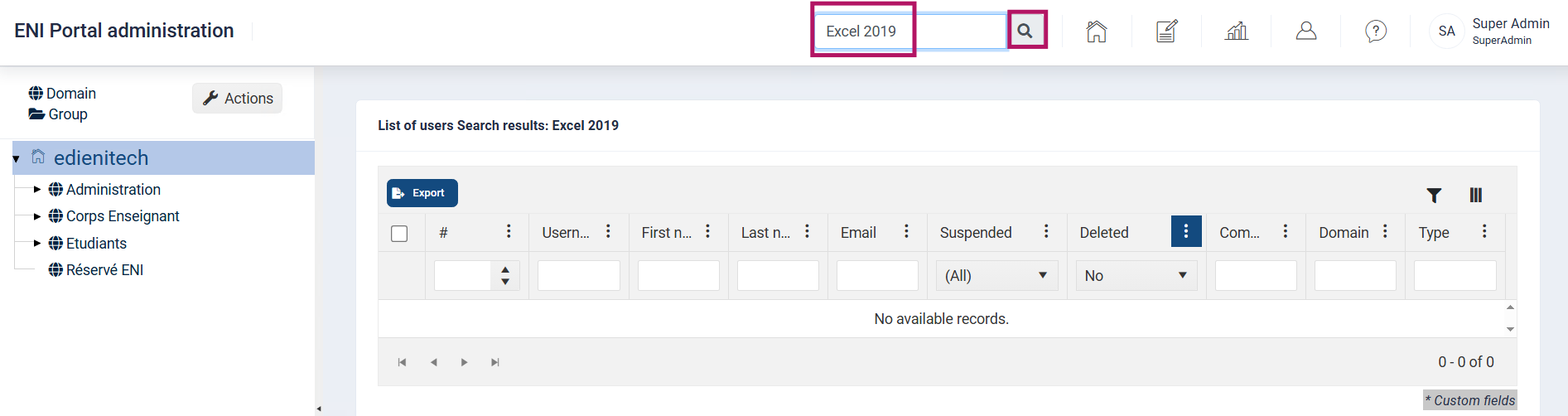
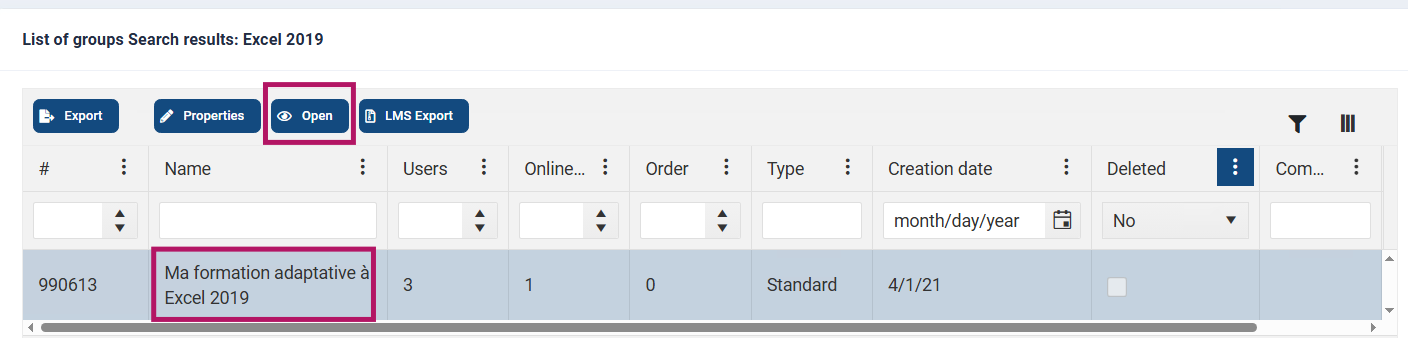
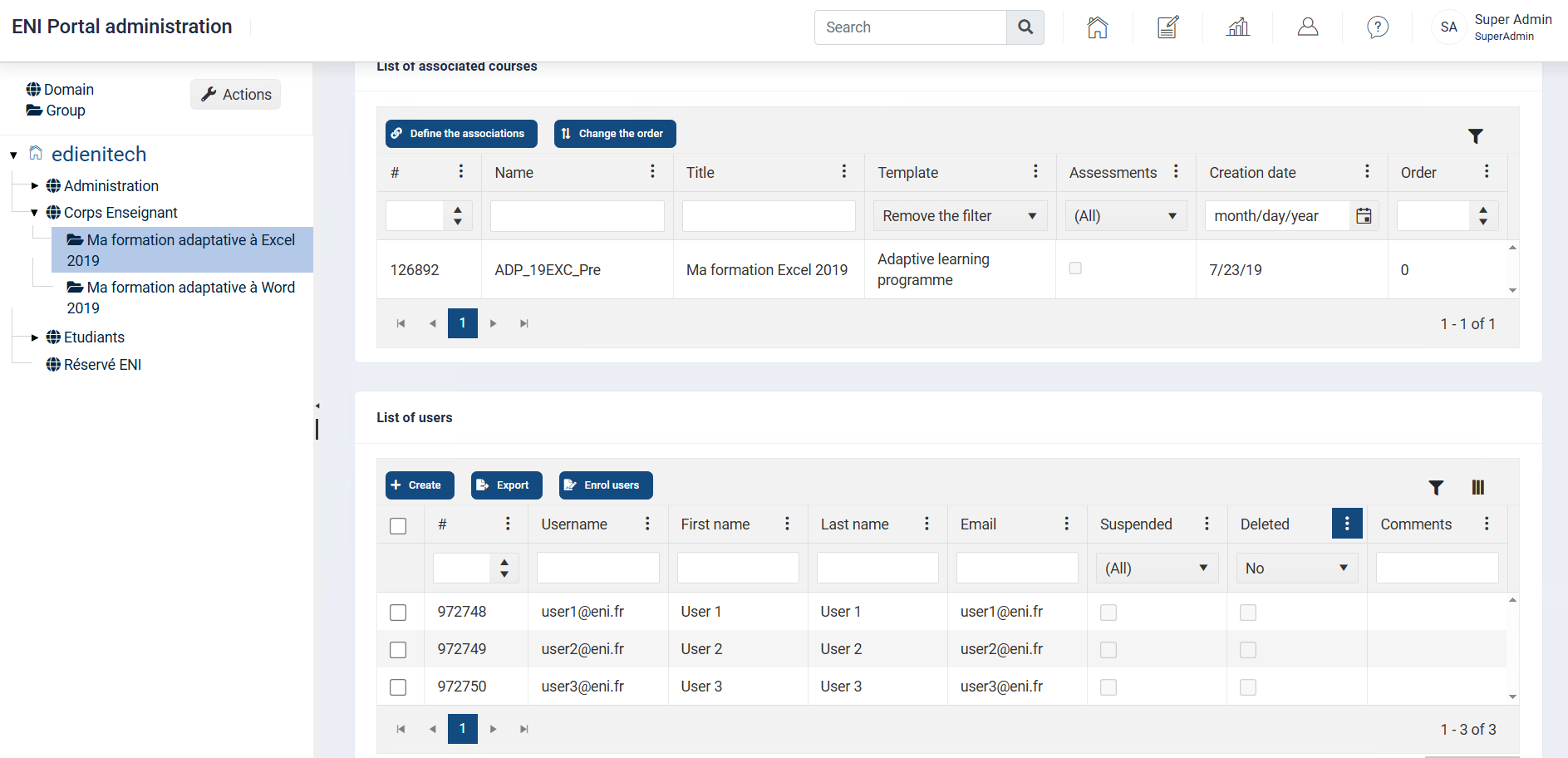
To easily find a domain, a group, or a user, you can use the Search field. Enter the name or keyword you are looking for and click on the magnifying glass.
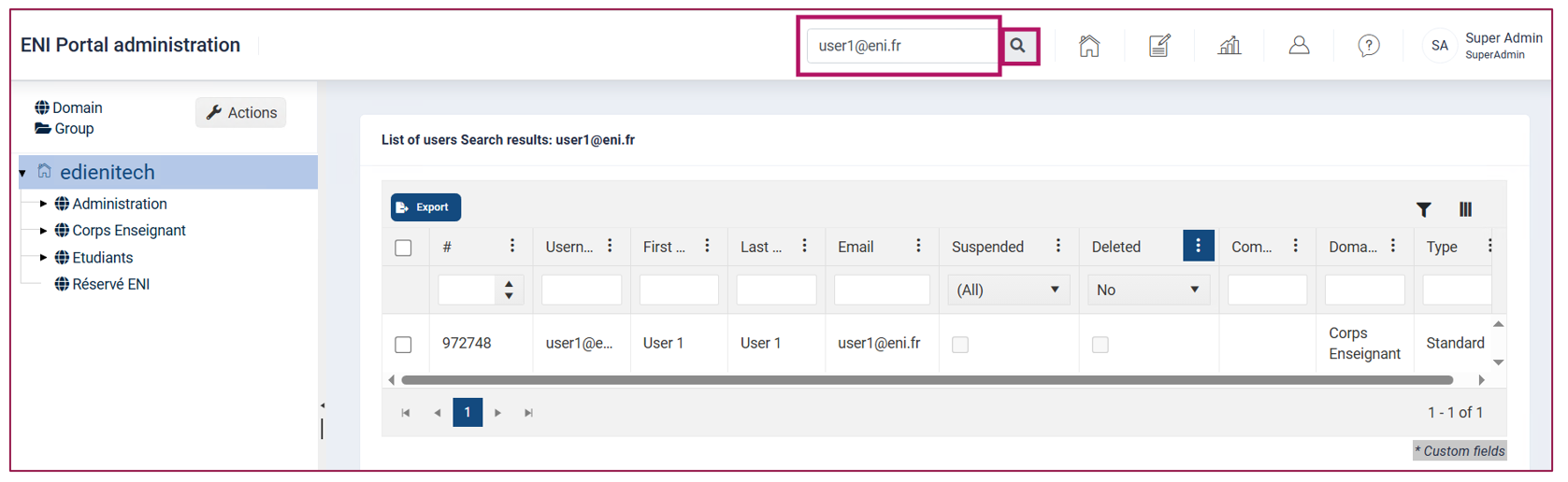
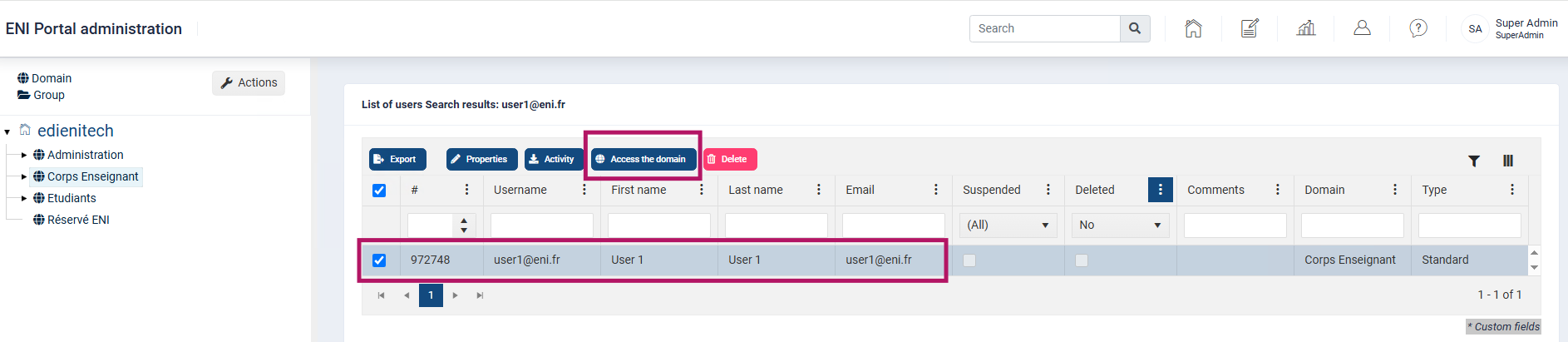
Once your search results are displayed, in this case a user, you can directly access the Domain to which they are assigned.
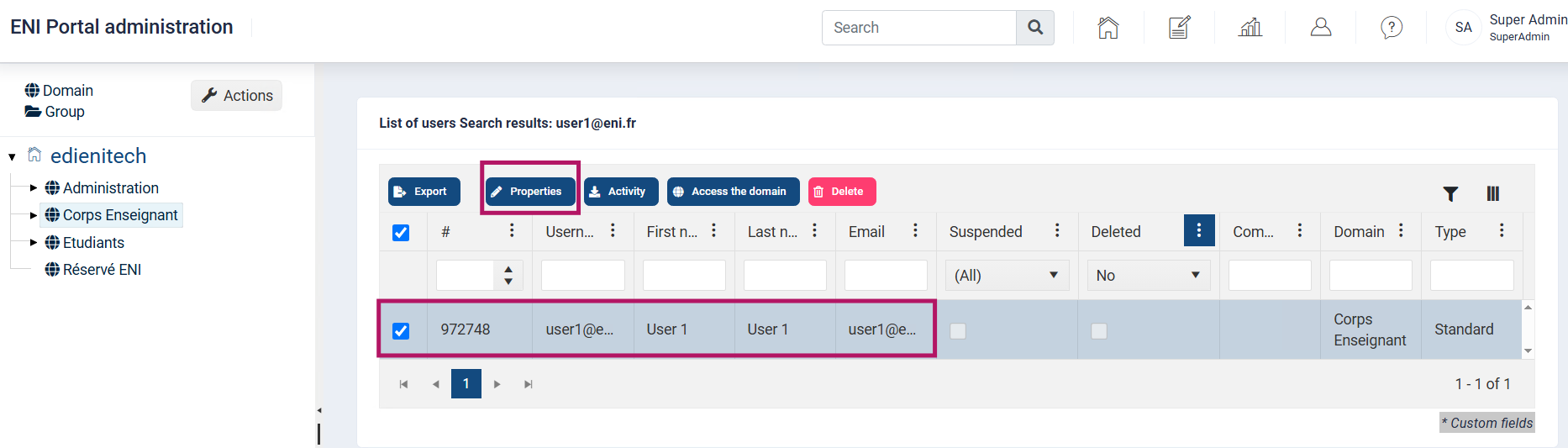
In the search results, click the Properties button to view and/or modify the properties of the selected item.
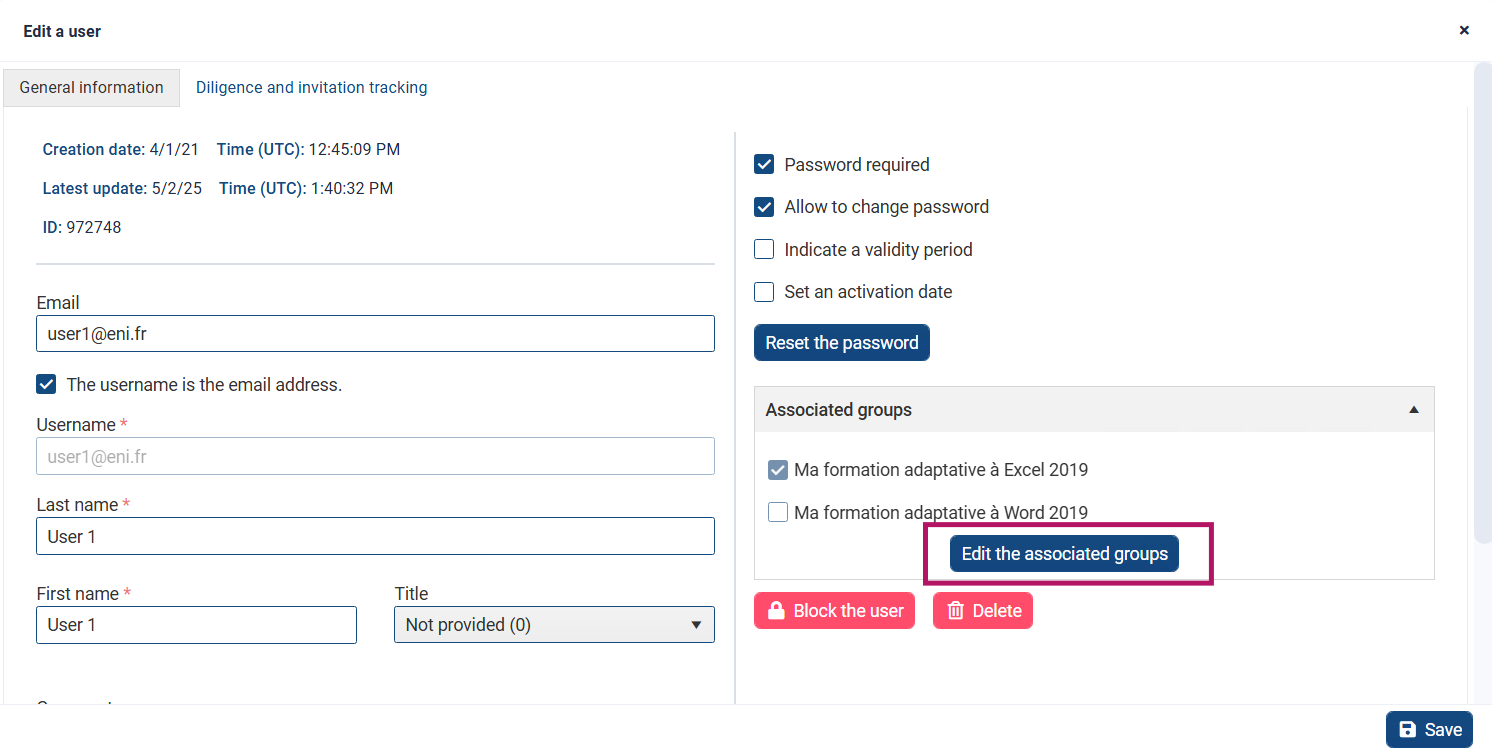
In the example below, changes can be made in a user's record:
The same type of search and modification can be performed with a group.