We provide pre-training assessment for some of our courses, namely Word, Excel, PowerPoint and Microsoft 365, for versions 2010 to 2021. A pre-training assessment is a test, which takes place directly within the software concerned, and determines the learner's proficiency. According to the results, the learner will be automatically and immediately assigned the training modules suited to their proficiency.
During this test, the learner must answer questions (MCQ) and carry out exercises directly within the software concerned. This assessment takes place in a virtual machine; the learner will not need to install anything on their device.
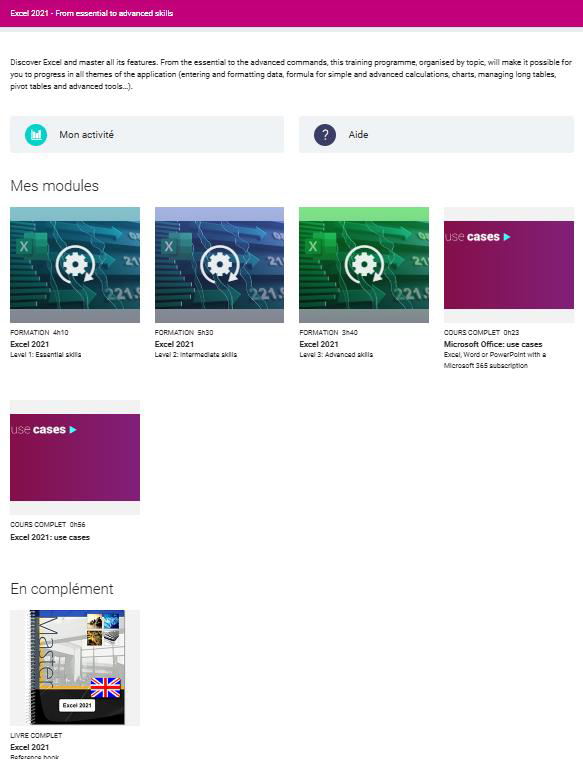
Example of a training programme without a pre-training assessment. By default, the learner's training programme includes the 3 compulsory levels.
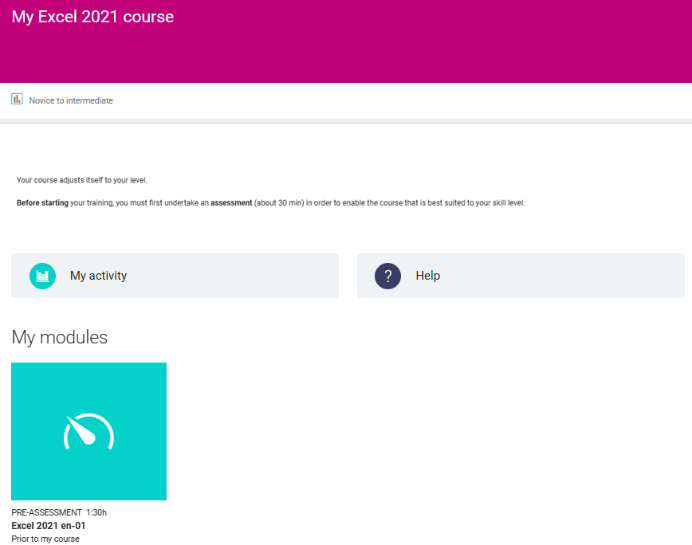
Example of a training programme with a pre-training assessment, before the learner has sat the test.
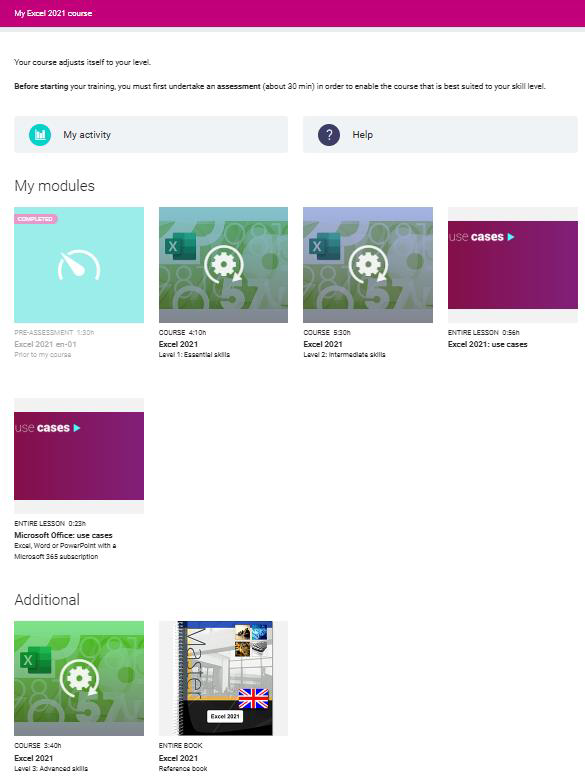
Instance 1: after sitting the pre-training assessment, it appears the learner mainly needs to reinforce their knowledge of the basics. The assigned training programme is as follows:
➢ Compulsory modules:
o Level 1 - Essential skills
o Level 2 - Intermediate skills
o Use cases
➢ Additional modules:
o Level 3 – Advanced skills
o Entire book
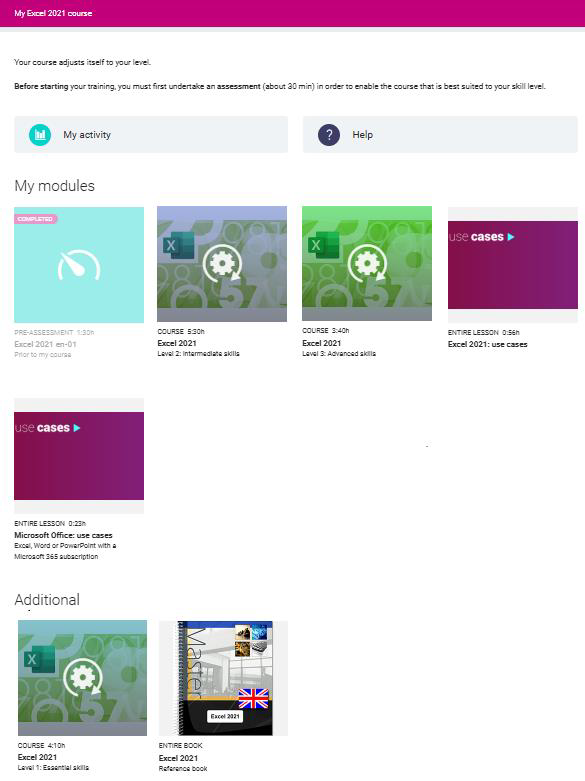
Instance 2: after sitting the pre-training assessment, it appears the learner already has solid foundations and can further their training. The assigned training programme is as follows:
➢ Compulsory modules:
o Level 2 – Intermediate skills
o Level 3 – Advanced skills
o Use cases
➢ Additional modules:
o Level 1 – Essential skills
o Entire book
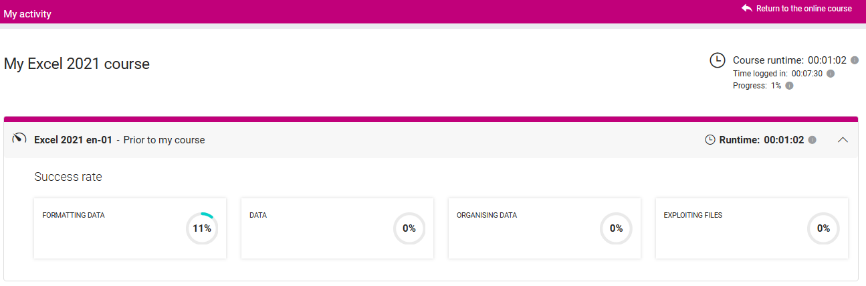
The learner can view their success rate per theme in their dashboard.